
Описание
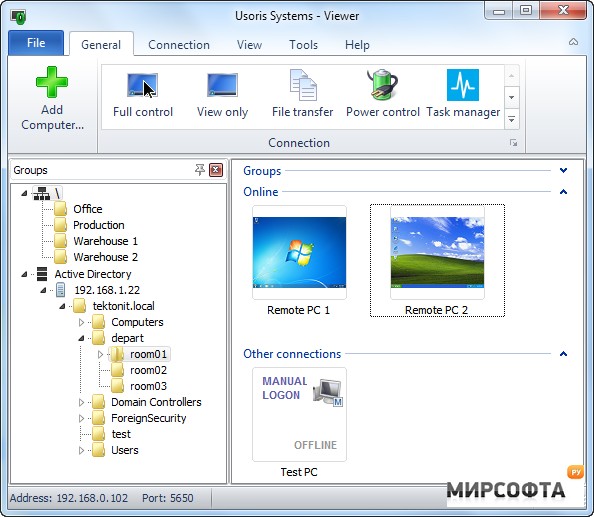
Unleash the full power of professional remote control software by installing Remote Utilities across your entire Windows or Linux network. Remote Utilities provides built-in tools for easy network deployment. You will be able to administer thousands of remote PCs in minutes. Active Directory Authentication - Log into Remote Utilities using Active Directory accounts Built-in MSI configuration tool - Pre-configure the Remote Utilities installer file before distributing it across the network Built-in Remote Install tool - Use our remote deployment tool to install or upgrade Remote Utilities on all network PCs No reinstallation after trial - Bulk register your PCs in a network with your license, and you are done Connect using a local IP address or DNS name - Direct connection to your network PCs Similar: How to Enable or Disable Always Prompt for Password Upon Remote Desktop Connection