Описание
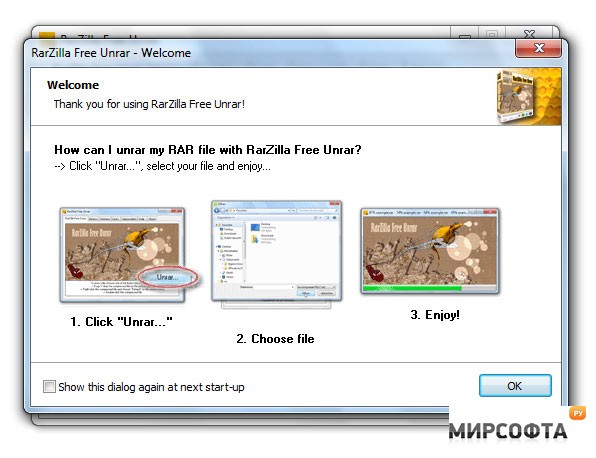
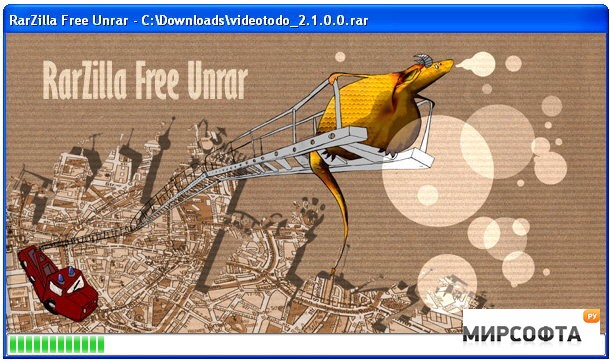
WinRAR is an incredibly powerful archiver but it's not exactly the best looking app in the world. RarZilla Free Unrar attempts to decompress files in a "sexier"way plus add a few cool features to your zipping. To decompress a file, you simply drag and drop them into RarZilla, double click on it or right click on "decompress" in the menu context shell. To speed-up the process, RarZilla has the option to define a default output folder or a default password or both. Remember that before you do any of this though, you need to specify an output directory or else you'll end-up searching high and low for your files. Simply go to the folder that contains the RarZilla.exe, use notepad to create a text file named "folder.txt" and put one line in it with the path your desired default output folder (e.g.: F:\Media) The only annoying thing is that the password prompt dialogue keeps popping up and usually you don't want to set a password. However, this can be deactivated by following instructions in the documentation. This is a better looking alternative to WinRAR although doesn't offer any major advantages.